AnySaver: All Video Downloader
- 0.0
- Rating
- 100.00K
- Installs
- Free
- Price

 Analysis by App-foxy
When I try a video downloader, I pay less attention to the promise of speed than to what happens when the connection is weak, busy, or constantly changing. That is the angle that matters with AnySaver: All Video Downloader. It is a free Android app in the video players and editors category, made by MANPOWER VIETNAM PACIFIC JOINT STOCK COMPANY, and its main appeal is straightforward: it gives people a focused place to handle HD video downloads instead of treating downloading as an afterthought inside a larger social or media app.
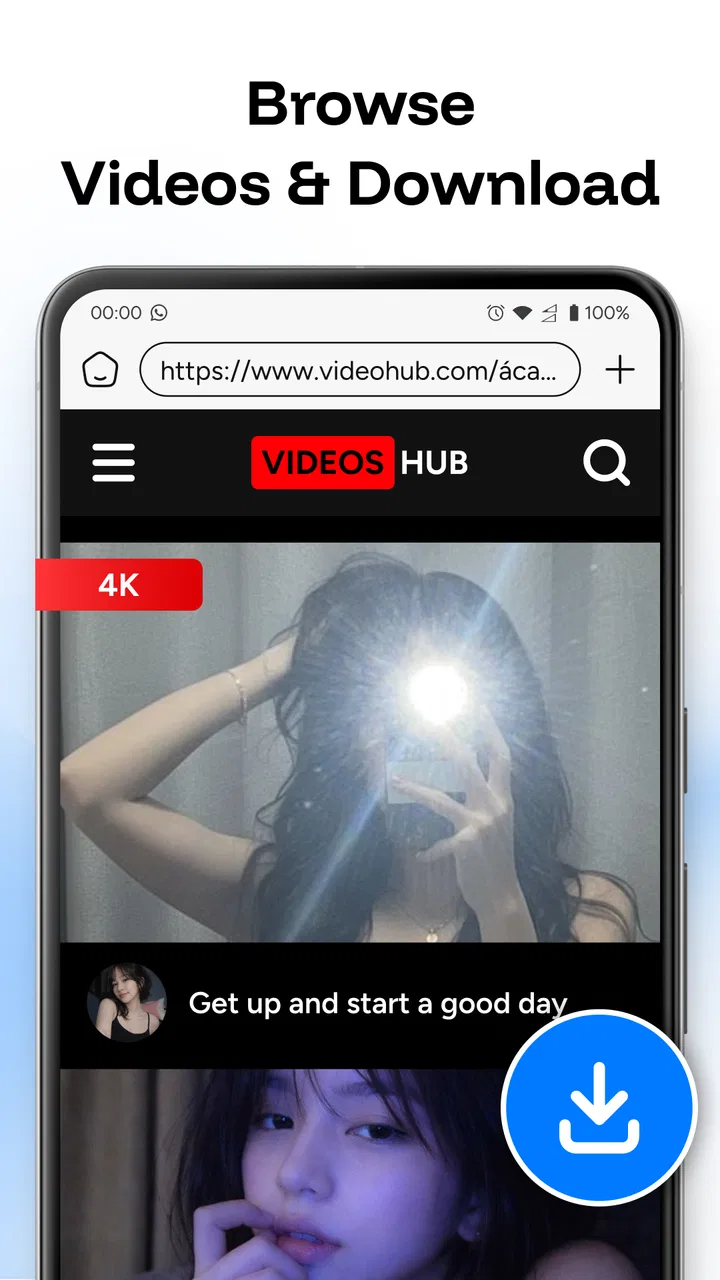
My first impression is that this is an app for people who want a simple viewing workflow. You find a video, use the downloader when appropriate, and keep the process separate from the app where you originally discovered the clip. That sounds modest, but it can be useful when you are moving between a home Wi-Fi connection, a crowded public network, and mobile data during the same day. The experience is shaped by the network at every stage, so I would judge AnySaver less as a magic speed tool and more as a practical utility whose value depends on how carefully you use it.
How AnySaver fits into real mobile viewing
I look at AnySaver as part of a larger viewing routine, rather than as a shortcut that fixes every network problem. In this section, I’m focusing on how the app fits between finding a video and deciding when and where to watch it, including the small choices that make that handoff smoother. That perspective also helps clarify when a dedicated downloader is more useful than simply streaming.
You May Also Like

 Pandora - Music & Podcasts
Pandora’s Music Is Easy to Start, but Harder to Recover
Pandora’s strength is its low-effort path from a seed to a station. Its weak spot is how much confidence it asks you to place in connection, setup, and quiet recovery.

 8 Ball Pool
 Is Built on Rivalries, Rematches, and Routine
A close look at the rivalries, rematches, shared routines, and unanswered safety questions that turn a quick pool match into a persistent mobile community.

 Samsung Music
’s Quiet Strength Is Playing What You Already Own
Its reach comes less from spectacle than from dependable access to a personal library. That simplicity is both the app’s strongest retention engine and its ceiling.

 AccuWeather: Weather Radar
AccuWeather Review: A Quick, Clear Forecast for Everyday Decisions
For everyday plans, the best forecast is the one you can understand quickly. AccuWeather makes rain timing, radar, and local conditions easy to act on, with a few trade-offs.

 Hill Climb Racing
Why Hill Climb Racing Still Turns Crashes Into One More Run
A tiny car, a bumpy hill and one more upgrade: Hill Climb Racing keeps resurfacing because its simple chaos makes every near-miss feel personal.

 AliExpress - Shopping App
AliExpress Makes Global Shopping Feel Personal, but Shoppers Bear the Risk
AliExpress turns a global marketplace into a pocket-sized discovery engine. Its reach is useful, its shopping loop compelling, and its trade-offs easy to miss.
More From Our News Desk
View All News


A focused tool for moments when the connection is unreliable
The most convincing use case is a familiar one: I am about to leave home, I have a video I genuinely want to watch later, and I would rather deal with it while my connection is stable than depend on a weak signal at the exact moment I need it. AnySaver gives that task its own space. The benefit is not simply pressing a download control; it is being able to make the decision before a journey, a commute, or a long wait begins.
That workflow also changes how I think about HD video. High-definition files are attractive because they look better, but they are less forgiving when the network is inconsistent. A download that begins smoothly can become frustrating if the signal drops or the connection becomes congested. I would therefore use the app selectively: save the videos where image quality matters, but avoid treating every clip as something that must be kept in the largest available format.
There is an important distinction between a downloader and a streaming service. Streaming usually adapts the playback quality as conditions change, while a download asks the connection to complete a transfer before the result is useful. AnySaver is better suited to deliberate preparation than spontaneous browsing. If I only want to watch a short clip once, ordinary streaming may be quicker. If I know I will revisit a video or expect a poor connection later, a downloader becomes more sensible.
What the app feels like in everyday mobile situations
On a phone, context matters more than it does on a desktop. I may start a task while standing in a kitchen, switch to another app, put the phone in a pocket, and return to it much later. A useful downloader has to fit that stop-and-start rhythm. AnySaver’s value is strongest when I approach it with a small plan: choose the video, begin the transfer in a dependable location, and avoid assuming that the phone will remain in ideal network conditions throughout the process.
For a commuter, the practical question is not “Can this download HD video?” but “When should I start?” I would begin before leaving a stable Wi-Fi area rather than waiting until a train platform or roadside signal. That simple habit reduces the chance of wasting mobile data on a transfer that later needs to be repeated. It also makes the app feel less like an emergency fix and more like a preparation tool.
Another realistic scenario is a family member who wants to watch a particular video during a trip. AnySaver can make sense when the person using the phone knows in advance what they want to view. The trade-off is that the planning burden moves to the user. The app can support the download task, but it cannot remove the need to think about connection quality, available storage, or whether the source permits saving the material.
Connection changes the meaning of “fast”
The word “fast” can be misleading in this category. Download speed is affected by the network, the source, congestion, and the phone’s current conditions. I would not interpret a fast-download promise as a guarantee that every transfer will finish quickly on every connection. Instead, I see the app as a way to make the process more direct when the surrounding conditions are favorable.
This is also why I would avoid launching several large downloads at once. Even if the app allows a user to work with multiple videos, dividing a limited connection can make each transfer feel slower and increase the chance that a temporary interruption affects more than one file. My preferred approach is to handle the most important video first, then continue only if the connection remains comfortable.
Where it compares well with familiar alternatives
The usual alternative is simply to stream from the original service. Streaming wins when I want immediate playback, do not need to revisit the video, or want the platform to manage quality automatically. AnySaver has a clearer role when I want to organize a viewing plan around a known video and a known period of weak connectivity.
Another alternative is a browser-based downloader. A browser may be convenient because it avoids installing a separate utility, but it can also make the workflow feel less focused. Pages, redirects, changing layouts, and unclear download controls can create friction. A dedicated app is easier to understand as a single-purpose tool, although that does not automatically make every source compatible or every download appropriate.
Finally, some platforms provide their own official saving or offline-viewing options. When that choice exists, I would usually prefer it because it keeps the content inside the service’s intended system and may handle rights, quality, and account access more clearly. AnySaver is most appealing when I need a separate downloader workflow and the video source allows that use. It is not a universal replacement for official features.
What happens when a download is interrupted
Network failure is where a downloader proves whether it is genuinely convenient. A transfer can be interrupted by leaving Wi-Fi range, switching between networks, enabling a data-saving mode, or simply entering an area with poor reception. I would not begin an important download minutes before leaving a stable connection. That is the kind of small timing mistake that turns a convenient tool into a frustrating one.
My recovery routine would be deliberately simple. First, I would check whether the connection has returned before repeatedly tapping the download control. Then I would look for the existing file or visible transfer state rather than starting several identical attempts. If the original attempt has not completed, I would retry once from a stronger connection. Repeated retries on mobile data can quietly consume more of a plan than expected, especially with HD material.
Because AnySaver is presented as a downloader rather than a full file-management system, I would keep my own organization habits clear. I would use recognizable names where the app or device permits that, remove failed or unwanted copies, and periodically check storage. A duplicate can be easy to overlook when a connection fails near the end and the user tries again. This is a small but non-obvious part of using any downloader responsibly: the messy part often appears after the transfer, not during it.
I also would not assume that an interrupted transfer will always resume exactly where it stopped. That behavior can depend on the source and the way the transfer is handled. If a video is important, I would verify that the completed file plays before deleting the original source or relying on it for a trip. This is especially relevant when the connection is unstable and the download has taken a long time.
Using it without wasting mobile data
Data-conscious use begins before the download button. I would ask whether I really need the HD version, whether the video is long enough to justify saving, and whether I am on Wi-Fi or cellular data. A short clip may be harmless, but repeated high-quality downloads can add up quickly. The app’s free price does not mean the network transfer is free; the cost may appear on the phone bill or in a reduced data allowance.
My practical rule would be to reserve mobile data for small, urgent downloads and handle larger videos when connected to trusted Wi-Fi. I would also avoid downloading while other people in the same household are relying on the connection for calls or work. One person’s large transfer can make the entire network feel slower, which is a poor trade-off for a video that could have waited.
Storage deserves equal attention. A phone can have enough room for one planned video but not for a growing collection. I would review saved files after a trip or viewing session, keeping only material I expect to use again. This makes the app more sustainable as a daily utility and reduces the temptation to download everything simply because the process is available.
There is a privacy and trust dimension too. I would only use AnySaver with sources I recognize, avoid entering sensitive account details into unfamiliar prompts, and respect the rights attached to each video. A downloader should not be treated as permission to copy any material found online. The safest workflow is to save content that the owner has made available for downloading or that I have a clear right to use.
Who will appreciate it, and who should skip it
I can recommend AnySaver to someone who wants a dedicated, uncomplicated way to prepare videos for later viewing and is willing to manage the practical details around connection, storage, and lawful use. It suits people who regularly move between strong and weak networks, prefer to prepare before a journey, or dislike searching through a browser every time they want to handle a video.
I would steer away from it for someone who mainly watches short clips immediately and never needs a saved copy. Streaming is simpler in that case. I would also suggest looking at official platform tools first for users who want guaranteed compatibility, account-based libraries, or a tightly integrated offline experience. AnySaver’s usefulness depends on the source and the user’s workflow; it should not be chosen with the expectation that it can solve every video-access problem.
It may also be a poor fit for people with very limited storage or a strict cellular data plan unless they are disciplined. The app can make downloading easier, and that convenience can encourage overuse. I would treat that as the main behavioral risk: once saving a video feels effortless, it becomes easier to collect files that will never be watched.
Basic details and day-to-day expectations
AnySaver is free, carries an Everyone age rating, and currently appears as version 1.0.0. It supports Android devices running version 10 or later. Those details make it accessible to a broad group of Android users, although compatibility with the phone itself is only one part of the experience. The source, network, storage, and system behavior still influence whether a particular download goes smoothly.
The app has passed the early adoption stage with over 100 thousand installs, which gives it a meaningful starting audience without making it feel like a tool everyone will already know. I would approach it as a focused utility rather than a mature media library. That expectation is useful: install it for the download task, test it with a nonessential video, and decide whether its workflow fits your habits before depending on it for an important trip.
The developer behind it is MANPOWER VIETNAM PACIFIC JOINT STOCK COMPANY. For me, the more relevant point is that the app’s simple identity makes careful testing worthwhile. I would pay attention to how clearly it presents download actions, how it behaves when the connection changes, and how easy it is to locate or remove completed files. Those practical details matter more than a polished first screen when the app is handling large video transfers.
My connectivity verdict
After looking at AnySaver through the lens of real network conditions, I see a useful but specific tool. Its strongest moment is before connectivity becomes a problem: I have a video in mind, a reliable connection available, and a reason to prepare for later viewing. Its weakest moment is when I expect the app to overcome a poor source, a weak signal, limited storage, or unclear download permissions.
The best way to use AnySaver is as a planned downloader, not as a guarantee against every connection problem. Start important transfers on dependable Wi-Fi, avoid unnecessary HD files, watch for duplicates after failed attempts, and keep the saved collection under control. Those habits do more for the experience than repeatedly chasing speed.
Overall, I would recommend it to Android users who want a free, dedicated video-downloading option and understand the trade-offs that come with that choice. I would not recommend replacing official platform tools automatically, nor would I use it as an excuse to ignore data costs or content rights. Used selectively, it can make mobile viewing more predictable. Used without a plan, it can simply turn network uncertainty into storage clutter and repeated transfers.
That balanced role is what makes AnySaver: All Video Downloader worth considering. It is not the right answer for every viewer, but for someone who wants to prepare videos while the connection is good and watch them at a more convenient time, its focused approach has genuine everyday value.
FAQs for AnySaver: All Video Downloader
01What is AnySaver: All Video Downloader used for?
AnySaver: All Video Downloader is designed to help users save online videos to their mobile devices for later viewing. Its main appeal is convenience: instead of streaming the same content repeatedly, you can keep supported media available offline. Before downloading, check the app’s current description and permissions, because supported websites, file formats, and available saving options may change between updates or regions.
02How do I download a video with AnySaver?
The usual process involves opening AnySaver, copying the link to a video from a supported platform, and pasting it into the app’s download field. After the link is analyzed, you may be able to select a resolution or format before starting the download. In testing this type of workflow is straightforward, although results can depend on the source website, connection speed, and whether the content is publicly accessible.
03Is AnySaver: All Video Downloader free to use?
AnySaver may be available to install without an upfront charge, but free access can include advertising, usage limits, or optional paid features. The exact pricing and restrictions should be checked on the Google Play Store or App Store listing before installation. Also review any in-app purchase details carefully, particularly if the app offers subscriptions, ad removal, faster downloads, or additional format and quality choices.
04Is it legal and safe to download videos using AnySaver?
The app itself may provide a technical way to save media, but downloading does not automatically grant permission to copy or redistribute it. You should only save videos when you have the creator’s authorization or when the platform explicitly allows offline downloads. Avoid copyrighted or private material without permission, and install the app from an official store while reviewing its requested permissions, privacy policy, and developer information.
05Where are downloaded videos stored, and can I watch them offline?
Downloaded files are generally saved in a folder selected by the app or in a standard downloads directory, depending on your device and operating system. Once the file has been fully saved, it may be playable without an internet connection through the app or a compatible media player. Storage requirements can be significant, especially for high-resolution videos, so confirm the destination and available space before starting large downloads.
Pros
- Downloads videos from multiple supported platforms in one place.
- Simple interface makes saving clips quick for new users.
- Built-in file management helps organize downloaded videos.
- Supports background downloads while using other apps.
- Useful for offline viewing when internet access is limited.
Cons
- Platform compatibility may change as websites update their restrictions.
- Some downloads may be limited by video quality or source format.
- Advertising can interrupt navigation and download workflows.
- The app may request broad storage or media permissions.
- Downloaded content can consume significant device storage quickly.

AnySaver: All Video Downloader
Gallery